
Description
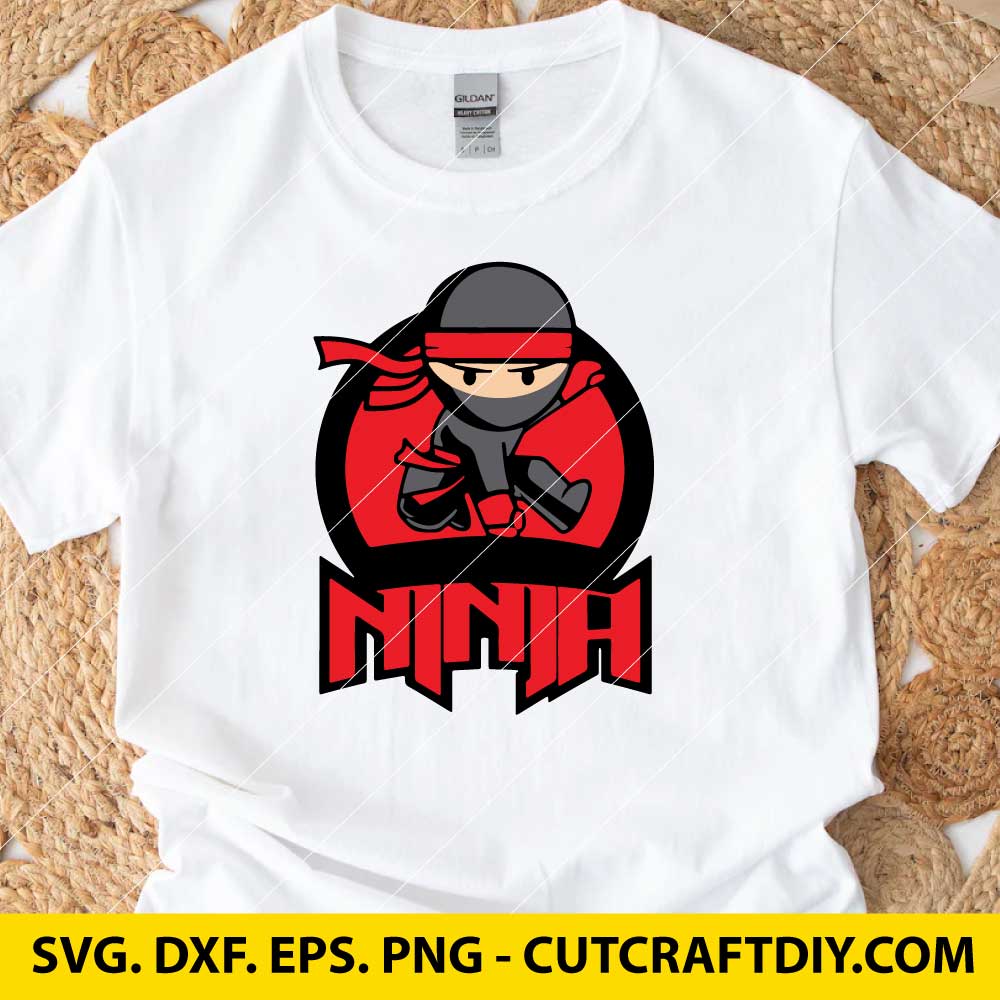
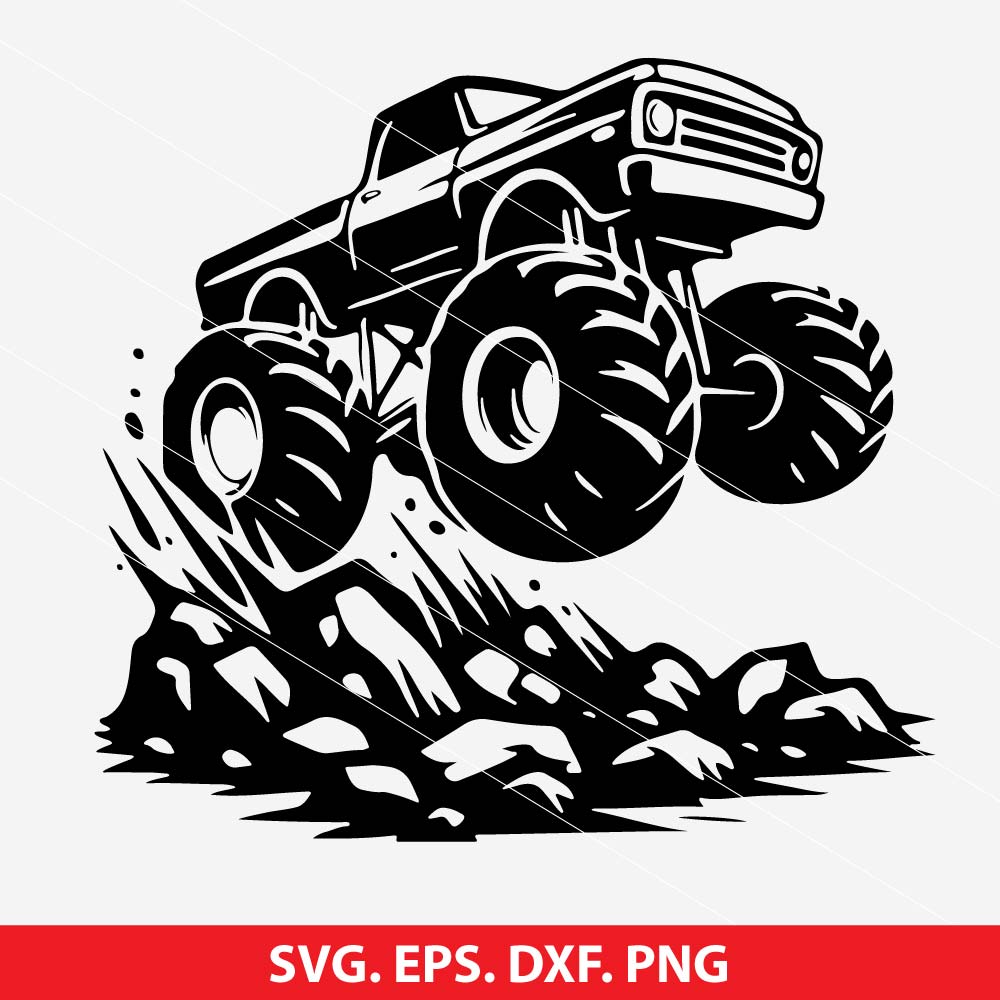
Remember that when using this Ninja SVG file, you can customize them to fit your specific needs. Here are some steps to consider:
1. Choose Your Ninja Design: Browse through the available designs on Etsy. You’ll find various styles, from fierce and stealthy ninjas to cute and playful ones. Pick the one that resonates with you.
2. Download the SVG File: Once you’ve found a design you like, purchase and download the SVG file. Make sure it’s compatible with your cutting machine (e.g., Cricut, Silhouette Cameo).
3. Customize Colors and Sizes: Most SVG files allow you to change colors and resize elements. Use design software (like Inkscape or Adobe Illustrator) to adjust the colors to your liking.
4. Cut and Create: Load the SVG file into your cutting machine software, set your material (paper, vinyl, etc.), and let the machine work its magic. You can create decals, stickers, T-shirts, or even wall art. 🥋🗡️

Daniel –
Perfect for tumbler designs.
Logan –
Used for my community center crafts.
Evan –
No corrupted files – all worked.
Isabella –
Used for my classroom materials.